



FAQ
How do I change my login password in OPAC?
Category:
5.1. Personal Services
You can change your password from [Your Library Record] -> [Personal Info.] in OPAC.
Log in to OPAC and move to "User Inquiry" -> "Your Library Record" -> "Personal Info".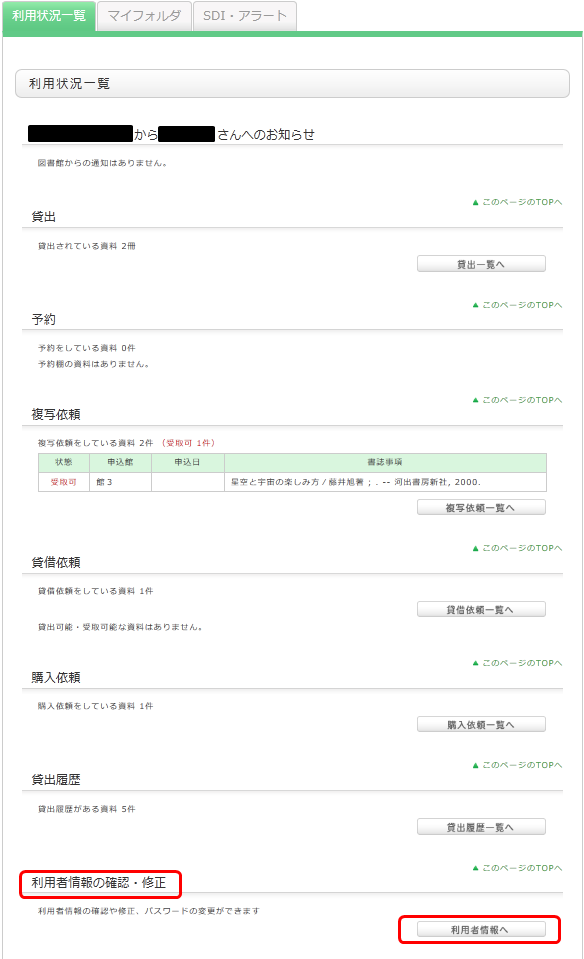
Click [Change Personal Info.] on the next screen, and make your changes.