

FAQ
What should I do if I want to search reviews and tags?
You can search the title or full text of reviews and tags in any of the following five ways.
- See "New Tags" and "New Reviews" on the top page.
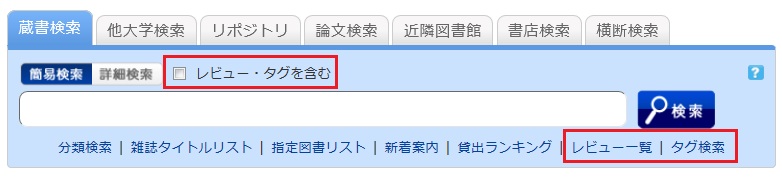
- Select "Review List" or "Search Tags" under the search bar on the OPAC tab.
- In [Basic Search], enter a check mark for "Contains review and tag."
- In [Advanced Search] on the [Bib Search] tab, select "Review" or "Tag" from the pull-down menu and search the materials.
(In contrast to the basic search, you can perform a search with multiple conditions.)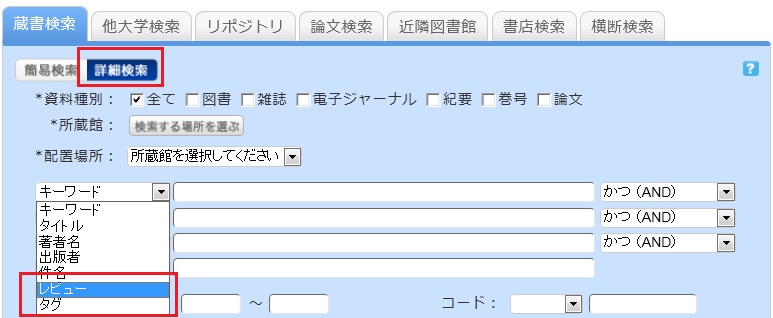
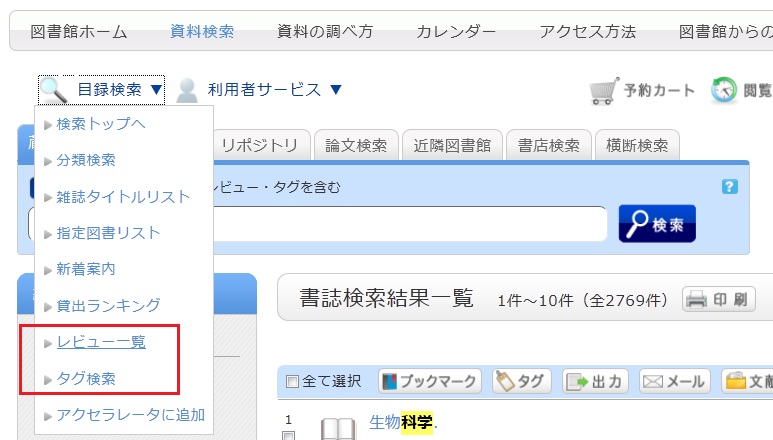
- Select "Review List" or "Search Tags" from the catalog search menu.